As of March 2026, TCIA is in the process of a major infrastructure update. We will be deprecating our NBIA software for managing DICOM datasets over the coming year. Open-access DICOM datasets will be published in partnership with the NCI Imaging Data Commons. Datasets which require any sort of data usage agreement will be published in partnership with other components of the NCI's Cancer Research Data Commons (CRDC) to ensure compliance with NIH Controlled Access Data Repository policies.
To ensure a seamless download experience, we have created a new TCIA Data Retriever application which will download our datasets regardless of where they reside. This tool works with all legacy NBIA manifests (.tcia), as well as manifests created by the new CRDC systems (.csv, .s5cmd) that host the data. Please submit any feedback about this new application to our helpdesk.
We will be deploying frequent updates until the beta closes and we reach a stable official release! If you want to use the legacy tool, which is much more stable, please skip this section and follow the instructions below.
Download and install the latest build for your operating system:
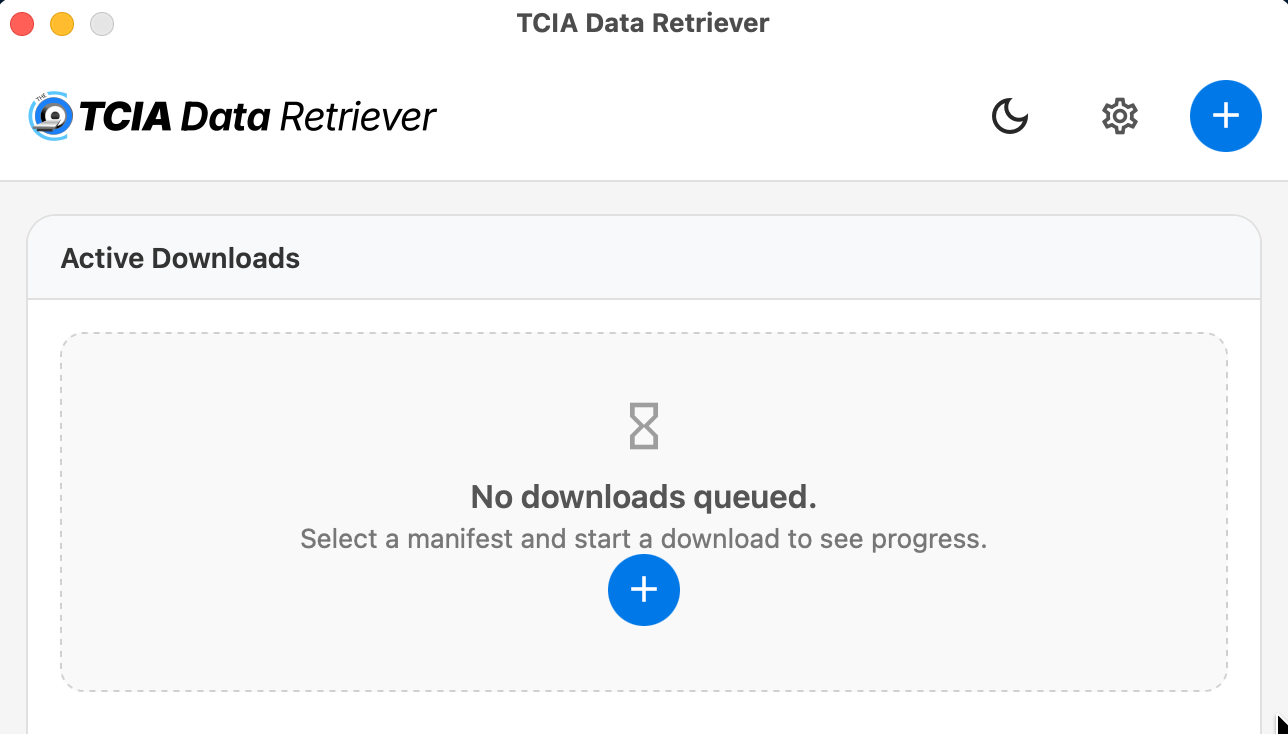
This application is designed to consume "manifests" which contain a list of the data records that are part of a dataset. Manifests related to each dataset can be found in the Data Access section of their description pages, or custom manifests can be created using the various search portals. To begin, click the "+" sign to open a manifest you've saved to your computer:
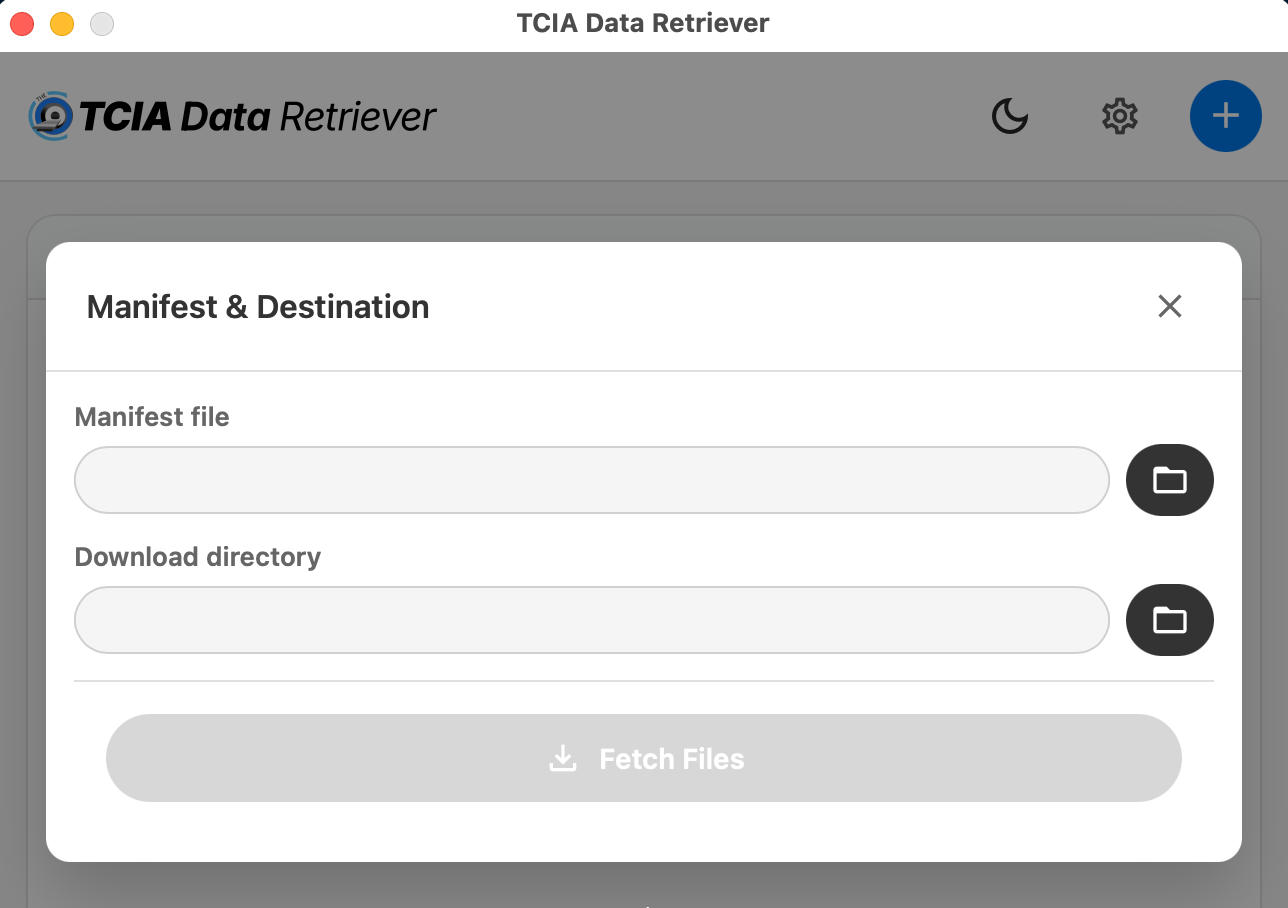
Then select the location of the manifest you want to download, specify where you want to save the data, and click "Fetch Files":
Additional documentation can be found on https://github.com/TCIA/data-retriever.
The instructions below pertain to accessing and downloading data from our NBIA legacy system.